|
|
 |
|
Customize your car in Photoshop by - Panoramix
|
|
| |
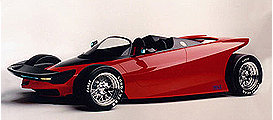
1) Get a good picture like
mine here
|
| |
| |
2)
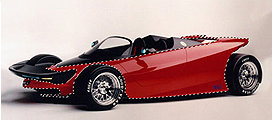
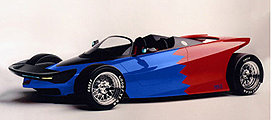
Now use the pen tool, the lasso tool or the magic wand tool to select the red part like in the picture. |
| |
| |
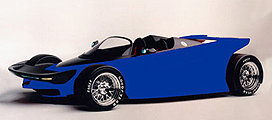
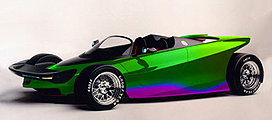
3) Create a new layer and fill the selection with a color of your choice |
| |
| |
4)
Set the blending mode of that layer to "color" All you have to do now is to add some details. |
| |
| |
5) heres a few examples Imade.. Recolored using hue/saturation. |
| |
| |
6) Just a selection with the polygonal lasso and deleted the selected part |
| |
| |
7)
added details using the pen tool. |
|
|
|
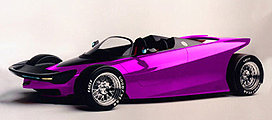
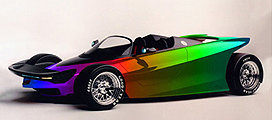
8) Filled the selection in step (2) with the spectrum gradient. |
|
PS:
Tutorial written with the permission of the Author!
Panoramix |