by - Chris Mayernik
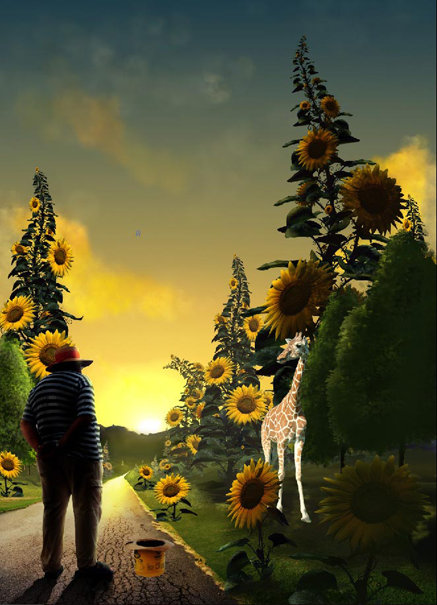
19- The road was one of the images provided, so I had to make good use of it. I created a new layer and selected only the road by clicking on the road layer while holding the Ctrl key down. Using the gradient tool from top to bottom, I created a yellow to black contrast. The gradient layer was then set to the overlay mode. This allowed the lighting to mix in with the image below creating the effect I wanted. Layer modes are very powerfull when you know what to do with them. Practice makes perfect. I learned a lot about layer modes and what ones work best by trial and error.