
by - Chris Mayernik
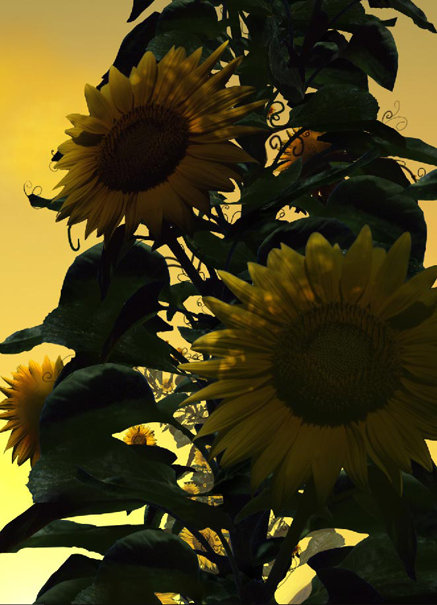
20- Tedious and frustrating are the words that come to my mind when I think back to when I corrected the lighting on all the flowers. There are three things I did to correct the lighting. First, I painted a light yellow on the edges of the leaves and other places. Second, I painted shadows on all the leaves, and corrected the ones already present. Finally, I erased parts of the shadows to create the look of light shinning through the leaves and vines above.One thing that added to the frustration was my slow PC. I did not have enough ram and scractch disk space available for Photoshop to work properly. One mistake I made was setting the scratch disk to be on the same drive as Photoshop. If you are working on large images have a seperate drive to act as Photoshop's scratch disk.
Go to (edit/preferences/plug-ins and scratch disk) to adjust the scratch disk drive.
Go to (edit/preferences/plug-ins and scratch disk) to adjust the scratch disk drive.